
Project overview
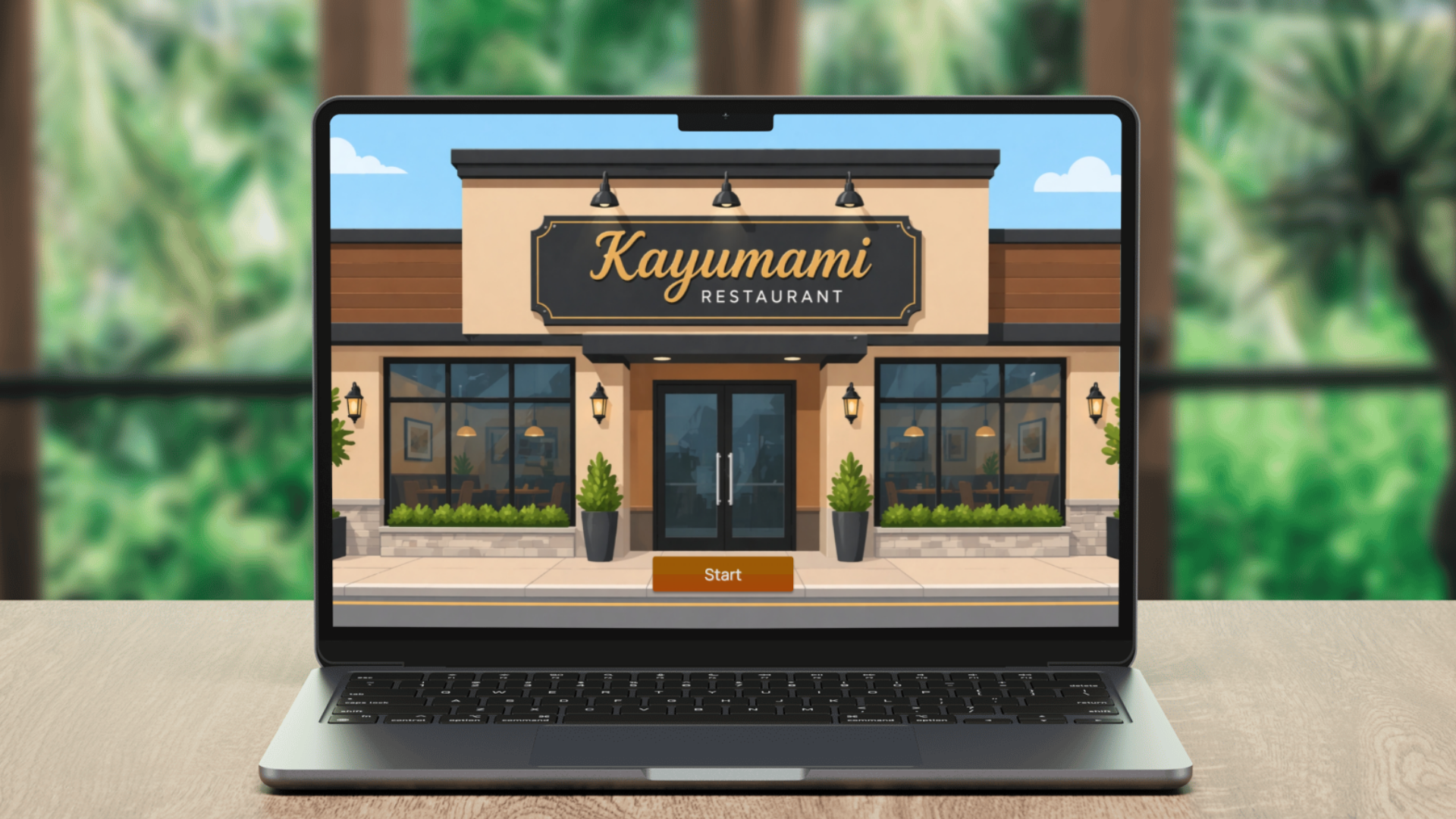
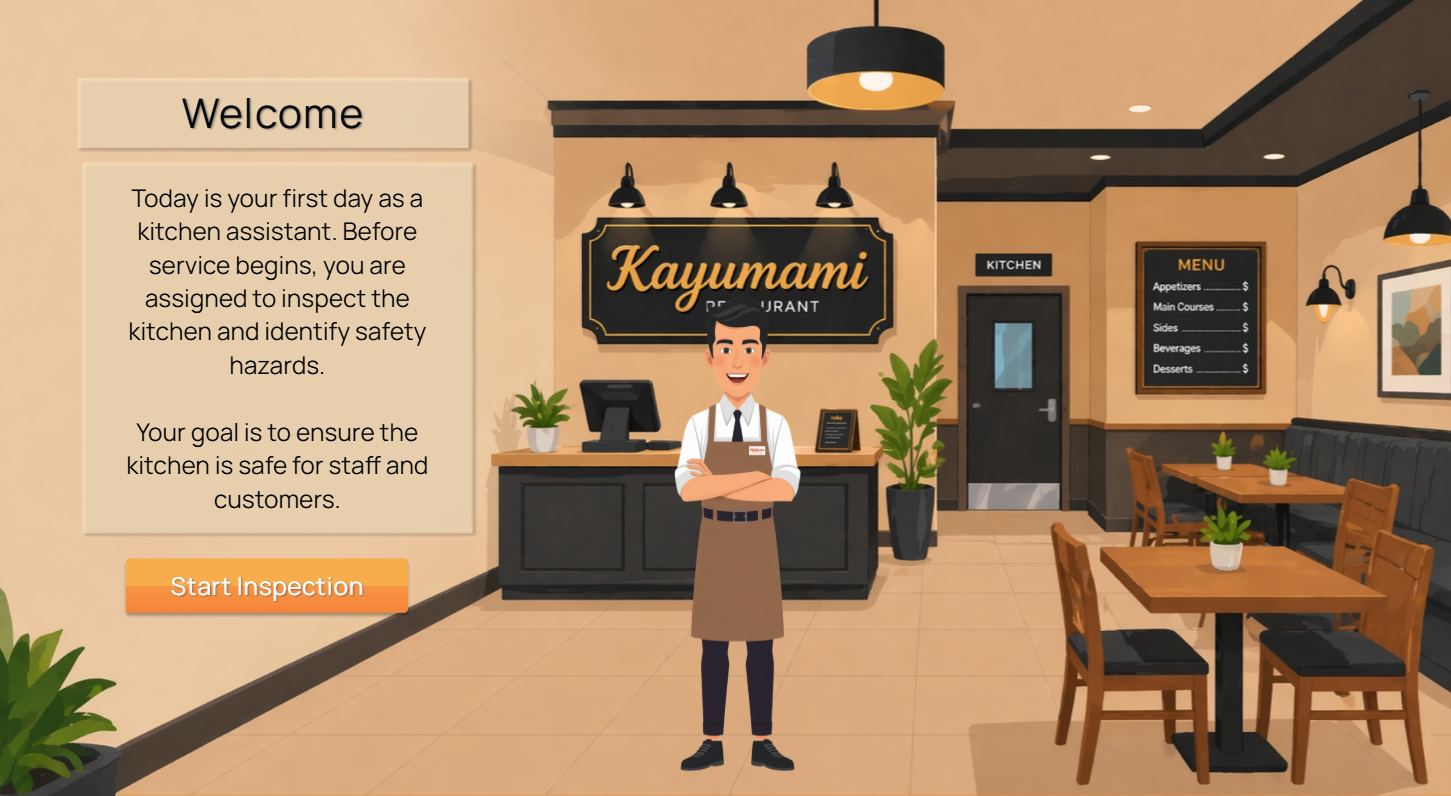
I built this game as part of the occupational safety onboarding for newly hired kitchen staff at Kayumami Restaurant. Instead of only reading about kitchen rules, staff complete a short inspection and look for visible hazards before service begins.
Learners step into the role of a kitchen assistant checking the workspace. They scan for spills, unsafe equipment placement, blocked exits, improper storage, and other risks. A 30-second timer adds the urgency of a real pre-service check while keeping the activity short.
The game fits inside a 45-minute instructor-led session. It gives the facilitator a concrete activity to discuss and gives staff a chance to practice before they begin their daily kitchen duties.
For more guidance on common restaurant hazards, see the OSHA Young Worker Safety in Restaurants eTool .
-
 Project type
- Interactive workplace safety game
-
 Audience
- Newly hired kitchen staff
-
 Delivery mode
- Instructor-led onboarding with an embedded inspection activity
-
 Duration
- 45-minute session with a 30-second game
-
 My role
- Instructional designer, simulation designer, and content developer
-
 Tools
Tools
- Articulate Storyline 360, Canva, and vector illustration assets
The training challenge
New staff needed to recognize hazards before taking on regular kitchen duties. A list of safety rules could introduce the topic, but it could not show whether someone could scan a busy workspace and spot a risk quickly.
I needed a short activity that made hazard recognition visible. Learners would inspect the scene, decide what needed attention, and receive immediate feedback without slowing down the rest of the onboarding session.
The design response
I designed a visual inspection with one clear task: find nine hazards in the kitchen before time runs out.
Clickable targets and a visible countdown keep the activity moving. Immediate feedback tells learners when they have found a risk, and the results screen gives the instructor a natural starting point for discussing missed hazards and safer kitchen routines.
Performance goal
The goal was straightforward: new kitchen staff should identify nine visible safety hazards in the restaurant scene within 30 seconds.
- Scan the full workspace before service begins.
- Distinguish hazards from safe equipment and storage conditions.
- Respond quickly without sacrificing careful observation.
- Review missed hazards during the instructor-led debrief.
How the activity came together
I started with the workplace task, then built the smallest useful interaction that could fit comfortably inside the onboarding session.

Analyze the task
I defined what staff needed to do, which hazards they needed to recognize, and how the activity would fit into onboarding.

Map the interaction
I planned the kitchen scene, clickable targets, timer, feedback, completion rules, and points for the instructor debrief.

Build in Storyline
I built the timed interaction, hazard states, progress tracking, feedback layers, and results screen in Storyline 360.

Test and refine
I checked target accuracy, timer behavior, readability, feedback timing, keyboard access, and the full game flow.
Core game interactions
The game keeps every interaction tied to the same practical task: notice a risk, make a choice, and use the feedback on the next attempt.
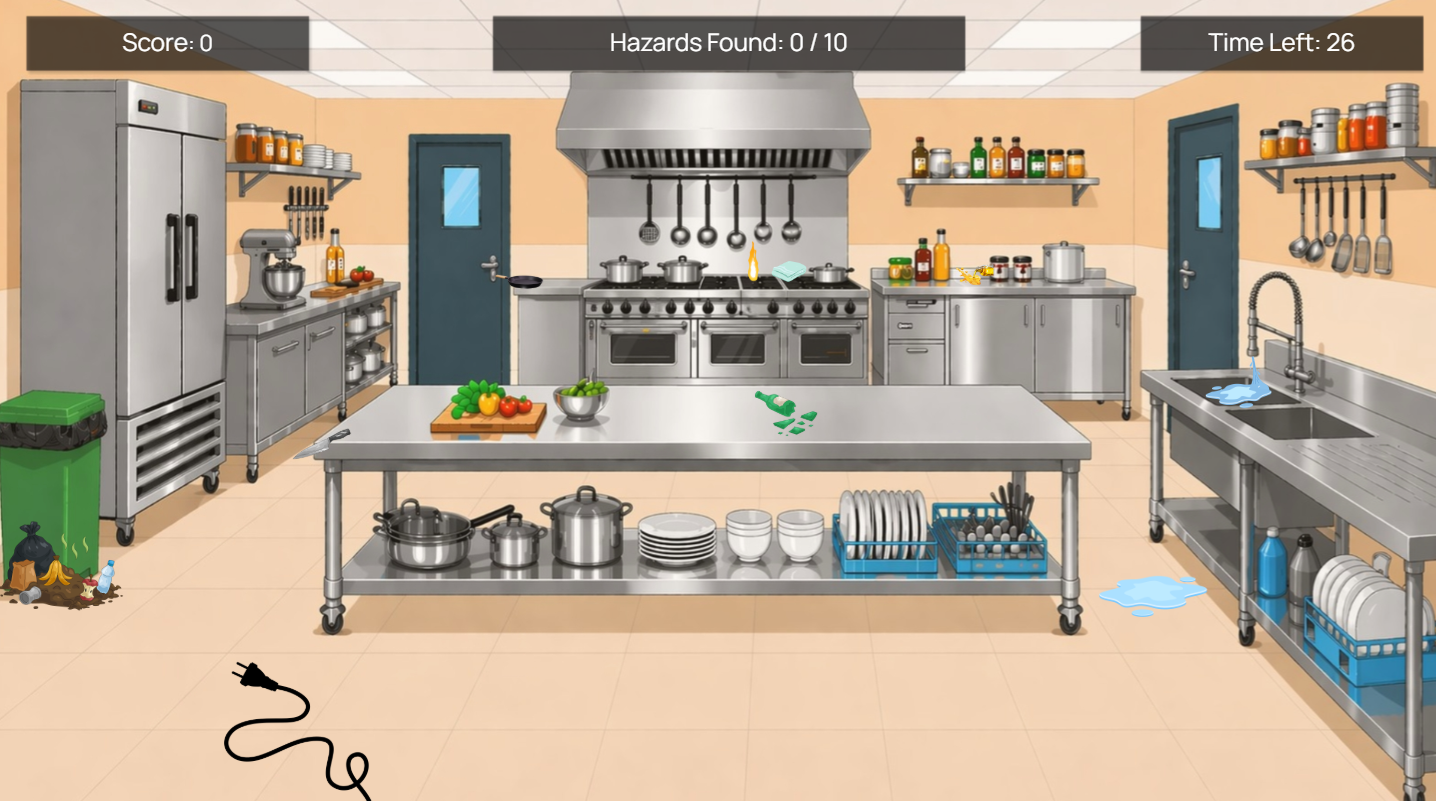
Inspect the kitchen
Learners scan the scene and select the objects or conditions they believe are unsafe.
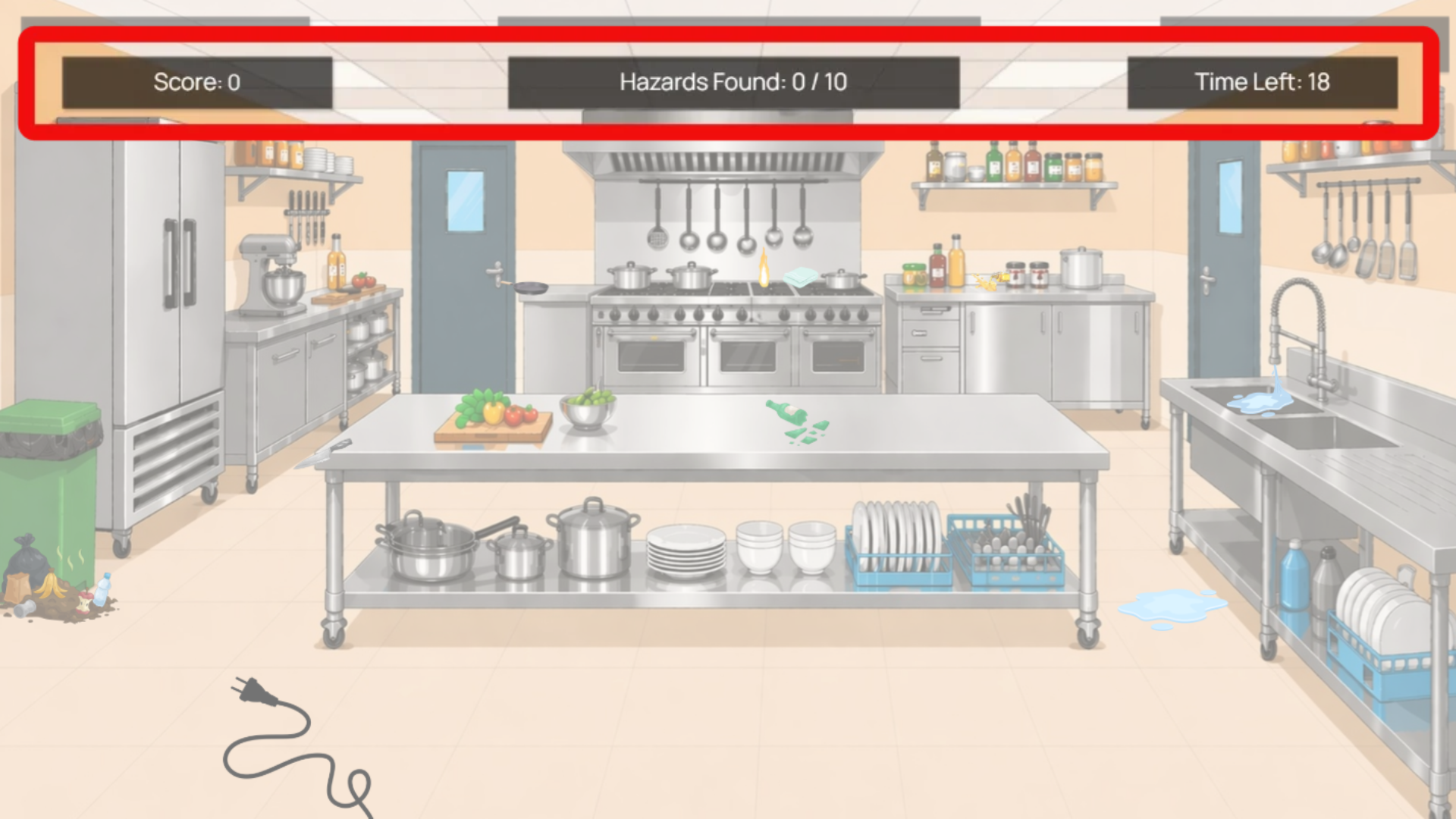
Respond under time pressure
The visible timer adds urgency, while immediate feedback confirms each correct selection.
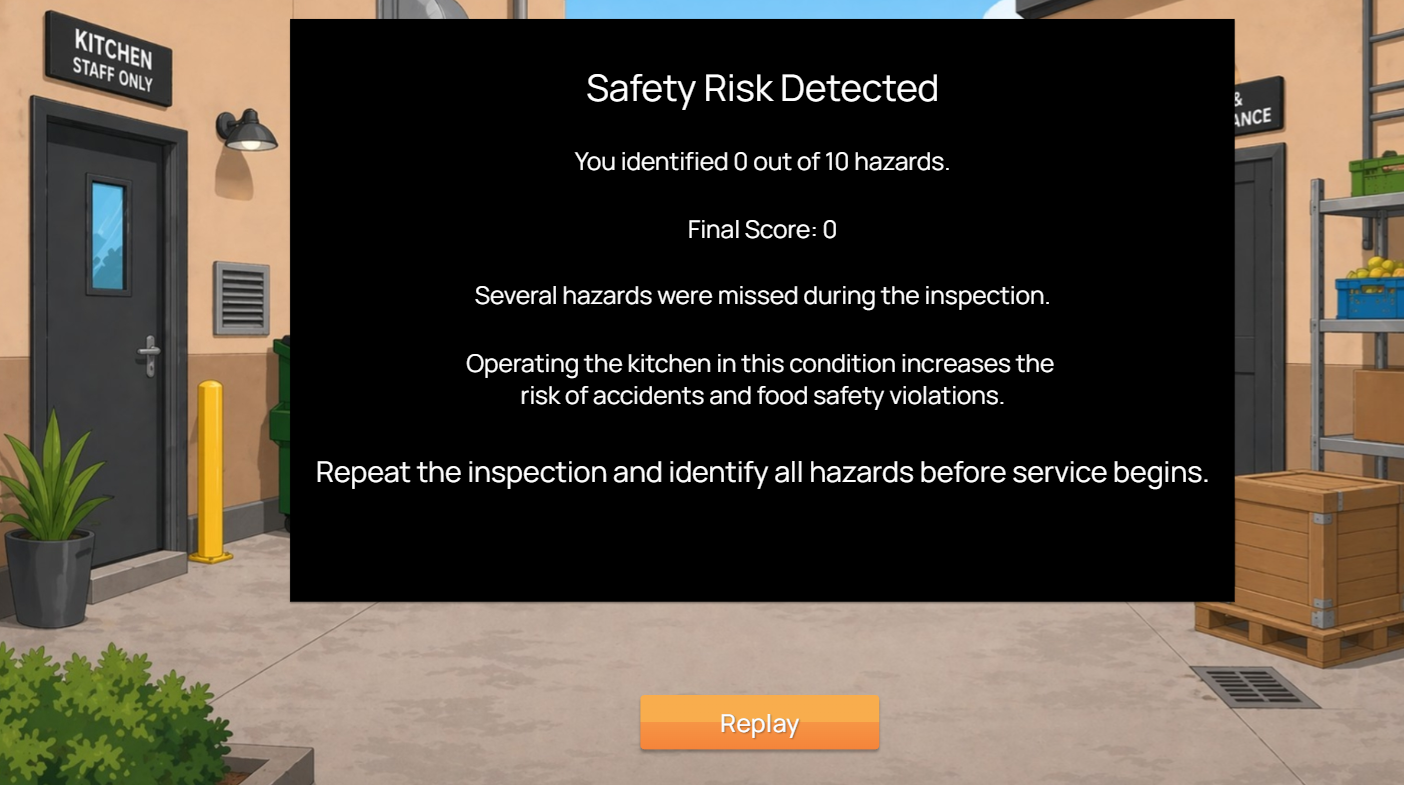
Review performance
The closing screen shows the result and gives the instructor clear points to discuss during the safety debrief.
What I would evaluate
I have not collected formal outcome data for this project yet. During a live rollout, I would track these three measures first.

Hazard recognition
I would compare the hazards learners find with the ones they miss or select incorrectly.

Response time
I would check whether staff can finish within 30 seconds without rushing into incorrect selections.

Debrief evidence
I would listen for the explanations and corrected decisions learners share during the debrief.
Design lessons
Keep the task recognizable
The inspection feels relevant because it mirrors a responsibility staff may handle before service begins.
Use time pressure with care
The timer adds urgency, but the debrief gives learners the time they need to discuss missed hazards and safer responses.
Make feedback immediately useful
Clear confirmation helps learners connect each choice with the condition that needs attention.