
Learning experience design
When learners struggle online, look at the learning environment.
Online learning already asks people to manage their time, attention, and motivation. Finding the next lesson or figuring out where to submit an activity should not become another assignment.
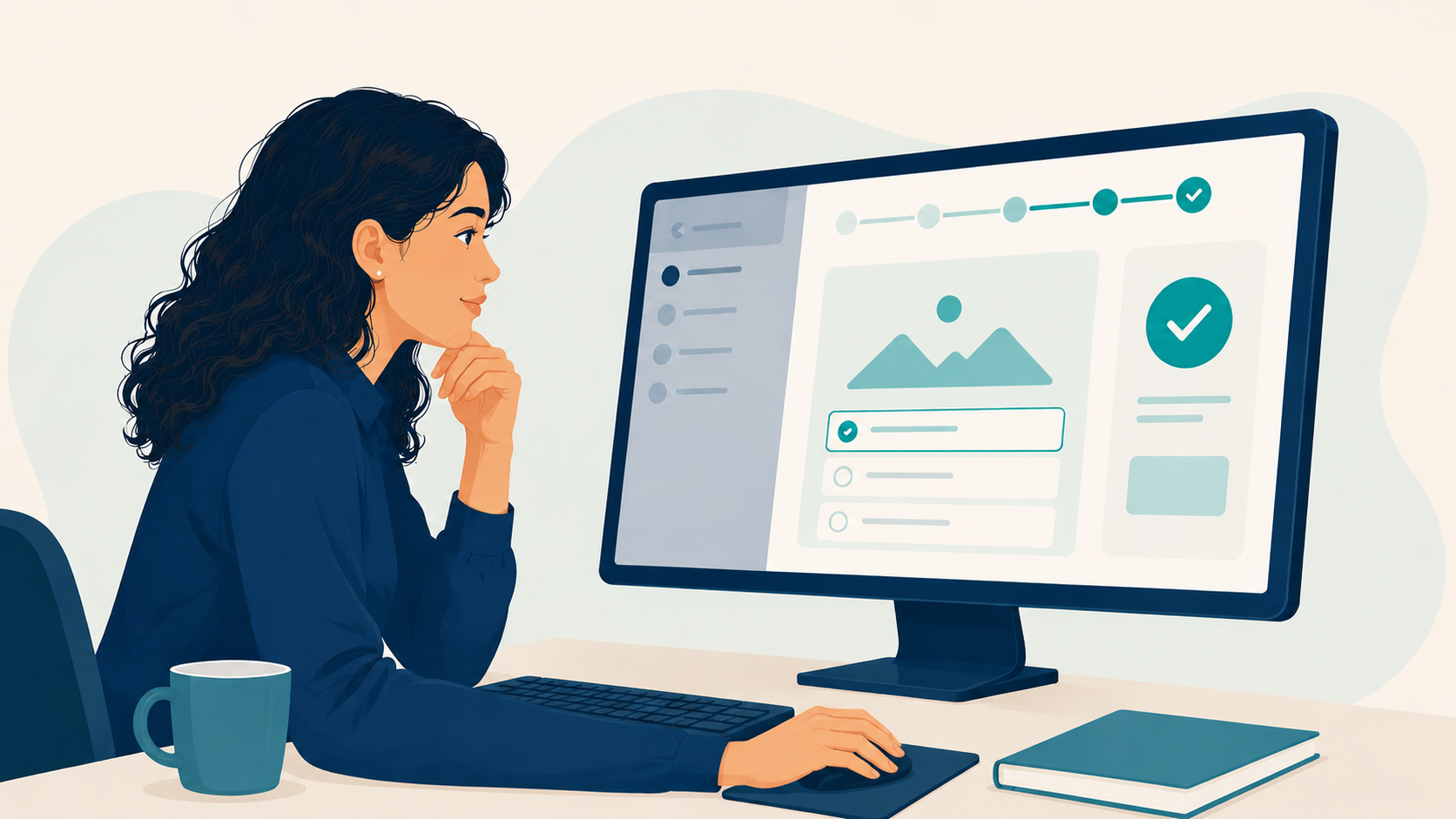
Is it the learner or the learning environment?
For a long time, I thought learners struggled with online courses mainly because of their habits. Maybe they started too late. Maybe they became distracted. Maybe they simply needed to put in more effort.
That seemed like a reasonable explanation until I became the learner clicking through a confusing online course. I knew what I needed to do, and I wanted to continue. Still, I found myself opening one page after another just to locate an instruction or figure out where to submit my work.
Later, as a teacher, I saw students experience the same frustration. They were trying. The course simply made ordinary tasks feel more complicated than they needed to be.
Those experiences made me reconsider the way I looked at learner difficulties. Was the learner really struggling with the lesson, or were they struggling with everything surrounding it?
When the course becomes extra work
The first few minutes inside an online course can tell us a lot. Do learners know where to begin? Does the navigation remain consistent? Can they easily tell what they have completed and what they need to do next?
When these details are unclear, learners use their attention to figure out the course before they can focus on the lesson. They check different menus, reopen previous pages, and click around hoping to find the correct button. That effort has nothing to do with the actual learning goal.
I have seen motivated students lose momentum this way. One confusing menu may appear minor. One vague instruction may also seem harmless. When those small problems keep appearing, the course starts to feel more difficult than the content itself.
Now, when someone loses focus, I do not immediately assume that the learner lacks discipline. I first ask what else is competing for their attention. Sometimes the learner needs additional support. Other times, the course itself needs fixing.
Clear navigation also supports accessibility. The W3C guidance on clear layout and design explains how consistent navigation and identifiable page elements help people locate and use information.
Why the timing of feedback matters
As a student, I know how distracting it feels to submit an activity and wait several days to find out whether I interpreted the task correctly. The longer I wait, the more I question decisions I have already made. Sometimes, I have already moved on to another lesson before I learn what I should have corrected.
Timely feedback helps prevent that gap. It lets learners know what they did well, what needs another attempt, and what they should do next. It also allows them to correct a mistake while they can still remember why they made that decision.
This does not mean an instructor must respond to every activity immediately. A short knowledge check can confirm an important idea. A scenario can show what happens after a choice. Automated feedback can explain why an answer works or why it does not.
These options allow instructors to focus their attention on moments where a personal response offers greater value.
I now consider feedback while planning the course rather than adding it after everything else is complete. If learners must wait for a response, they should know when it will arrive and what they can work on while they wait.
What I consider now
Before I assume that a learner is the problem, I review the course. I go through it as if I am seeing it for the first time. At each point, I ask whether the page helps the learner continue or gives them another problem to solve.
That question now guides several decisions in my work:
- Keep navigation predictable across lessons and modules.
- Make the next step visible without forcing learners to search for it.
- Use low-stakes checks while the lesson is still fresh.
- Explain why a response works instead of displaying only right or wrong.
- Remove buttons, links, and choices that do not support the learning goal.
Learners’ habits still matter. Online learning requires time management, attention, and personal responsibility. However, I no longer treat “the learner struggled” as a complete explanation.
For me, that is where the questions should begin. What confused them? Where did they stop? What were they trying to do at that moment? Did the course help them continue?
I apply this thinking to the practice activities and feedback systems featured in my instructional design and eLearning portfolio.
When a learner gets stuck, what would you check first: the lesson, their habits, or the environment around it?